
Setting up a packing camera system is one of the most effective steps an e-commerce warehouse can take to protect against disputes and improve quality control. In this guide, we walk you through a complete 5-step process to get your system running with ASCAM ENTERPRISE software.
Assess Your Packing Stations
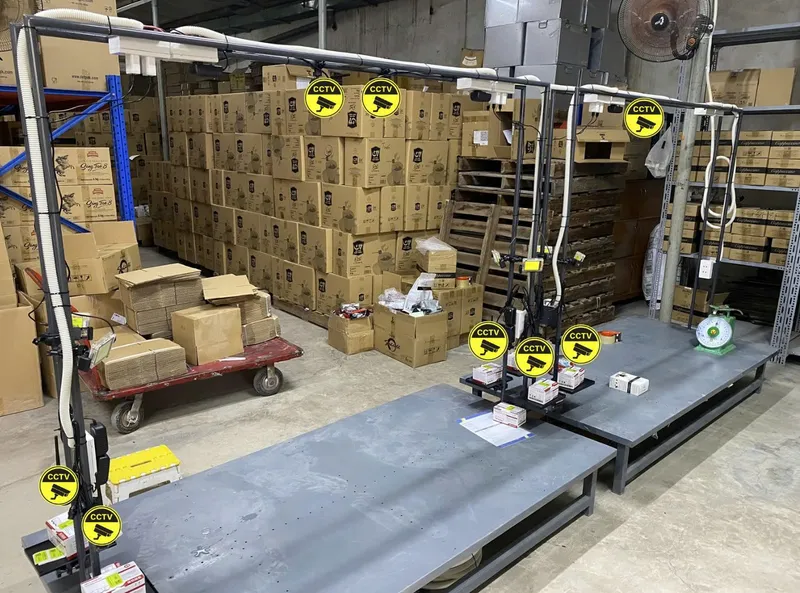
Before purchasing any hardware, conduct an audit of your current packing workflow. Count the number of packing stations, measure desk dimensions, and note lighting conditions. Each station needs a clear, unobstructed top-down view of the packing area.
Consider the volume of orders per station — high-volume stations may benefit from dual-camera setups. For most operations, a single overhead IP camera per station connected via RTSP is sufficient to capture clear video evidence.
Choose the Right Camera Hardware
ASCAM supports IP cameras connected via RTSP protocol. For packing stations, IP cameras (1080p or higher) mounted on adjustable arms deliver excellent image quality with reliable network connectivity. RTSP streams allow centralized management of all cameras across your warehouse.
Not sure which to pick? Read our detailed comparison in Wired vs Wireless Cameras for Warehouse.
Install and Configure ASCAM Software
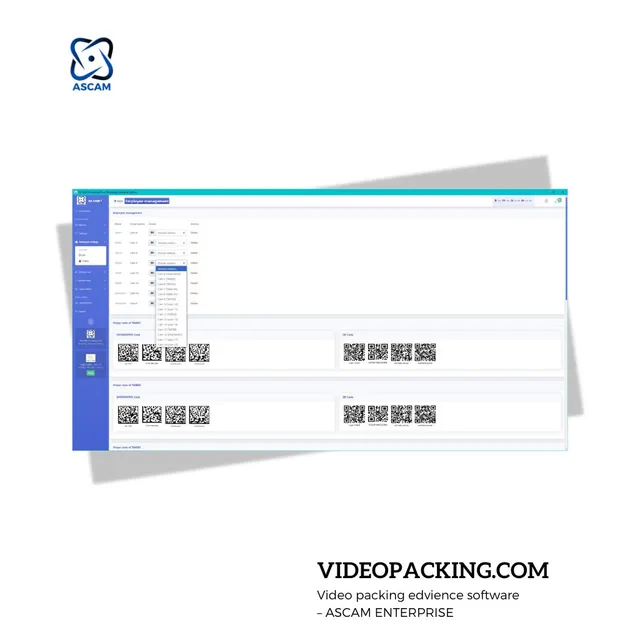
Download and install ASCAM ENTERPRISE on a Windows PC on the same network as your cameras. The software connects to IP cameras via RTSP and guides you through initial setup. Key configuration steps include:
- Assign camera names and packing station labels
- Set video resolution and compression settings
- Configure barcode/QR scanning triggers
- Set up storage paths (local and cloud)
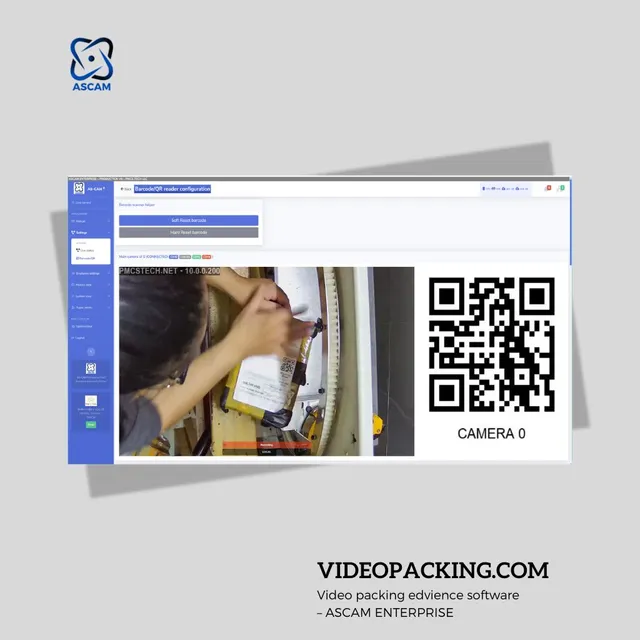
Connect Barcode Scanners
Barcode scanners are the trigger mechanism that links each video recording to an order. When a packer scans an order barcode, ASCAM automatically starts recording via the RTSP camera feed and tags the video with the order number for instant retrieval later.
Follow our Quick-Config Barcode Scanner Setup Guide for detailed scanner pairing instructions.
Test, Monitor, and Optimize
Run a few test packing sessions to verify video quality, scanner accuracy, and storage performance. Use the multi-camera live monitoring view to oversee all stations simultaneously. Adjust camera angles until the full packing surface is visible in every frame.
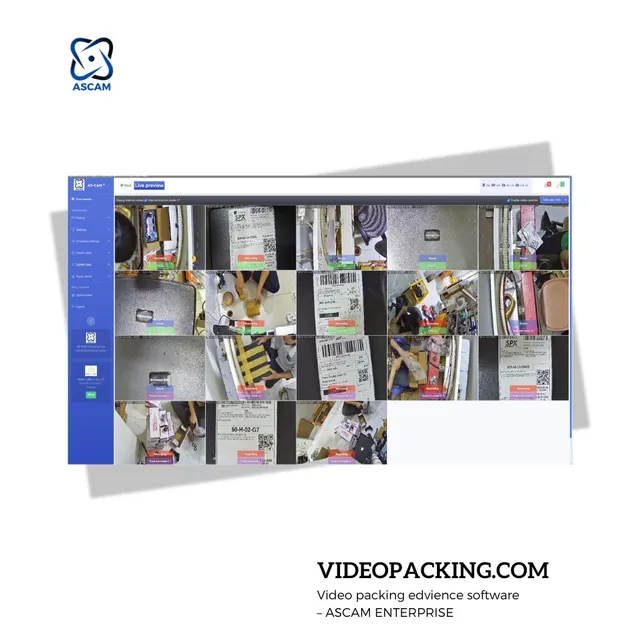
Once everything is running smoothly, set up KPI analytics to track packer performance and identify bottlenecks in your workflow.
Quick Summary
Setting up a packing camera system with ASCAM takes most warehouses under a day. The 5 steps — audit stations, choose cameras, install software, connect scanners, and test — give you a complete video evidence solution that protects against disputes and boosts packing quality.